
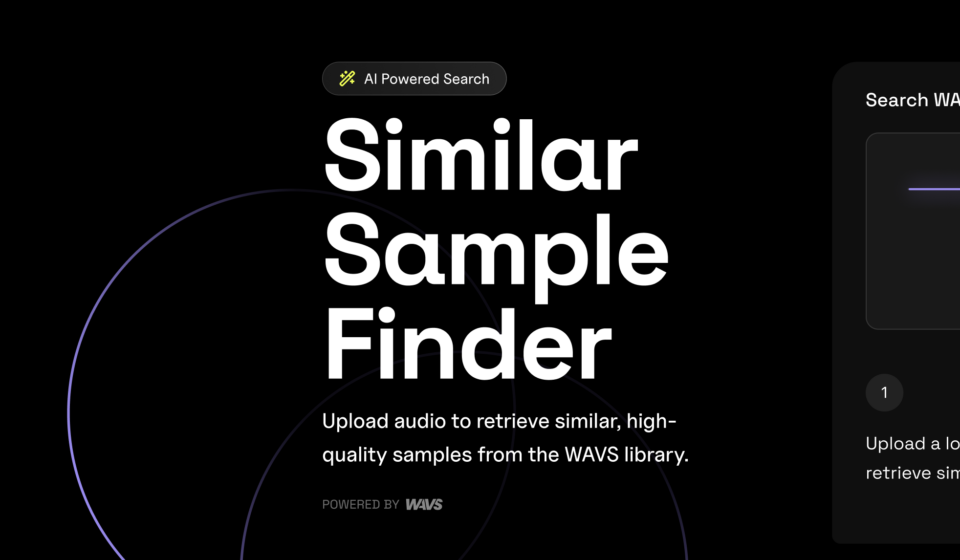

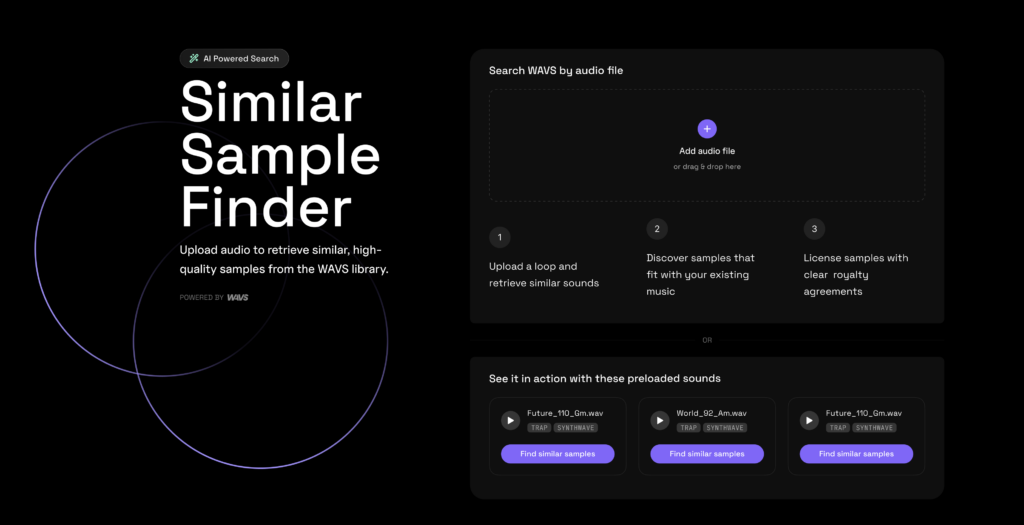
We’ve just launched the WAVS AI Sample Finder, a new way to search the marketplace using audio files instead of filters and text queries. Upload a sample, loop, stem or a MIDI file. Our algorithm will retrieve music from our catalog that has a similar sound.
The audio search tool is available on web browser or in the WAVS standalone app, so you can drag-and-drop audio files directly from your DAW. We’ll match it against our library of over 100,000 samples and retrieve the closest matches. Download whatever you like and drag it back onto your audio timeline to continue working on the project from there.
Find sounds you’re looking for, faster
Everyone knows how hard it is to describe music with words. As a producer, you might have a specific sound in mind but don’t know how to create it from your existing virtual instruments.
Even when we’re able to pin that sound to a certain genre, mood and instrument, we have to spend time combing through search results to find the timbre and tone quality we’re looking for.
The AI Sample Finder bypasses the problems of language entirely. Instead of trying to describe the sound you’re after, WAVS users on the Pro plan can upload an audio snippet.
You can upload your own music, re-upload WAVS samples that you downloaded, or drag in reference files that you have the legal right to work with. The uploaded content is not shared with third parties and we don’t train AI models on the material.
Machine learning, not generative AI
Speed can be a virtue in music creation. When you’re in the studio with an artist and need to put together something, it can feel like a race against the clock. You need something fast.
But generative AI tools reduce music making to a single prompt. We’re not into that.
WAVS’ AI audio search is not a generative AI tool. It’s a machine learning algorithm that matches your audio reference files to human-made audio in our catalog, helping you find the ingredients you’re looking for without removing you from the equation.
Because let’s be honest, part of the reason we chose music as a hobby or career was the satisfaction of being creative. Even when generative AI outputs sound great, the sense of pride in that music is fleeting. Nothing can compare to learning and mastering your craft.
How to get started with WAVS AI audio search
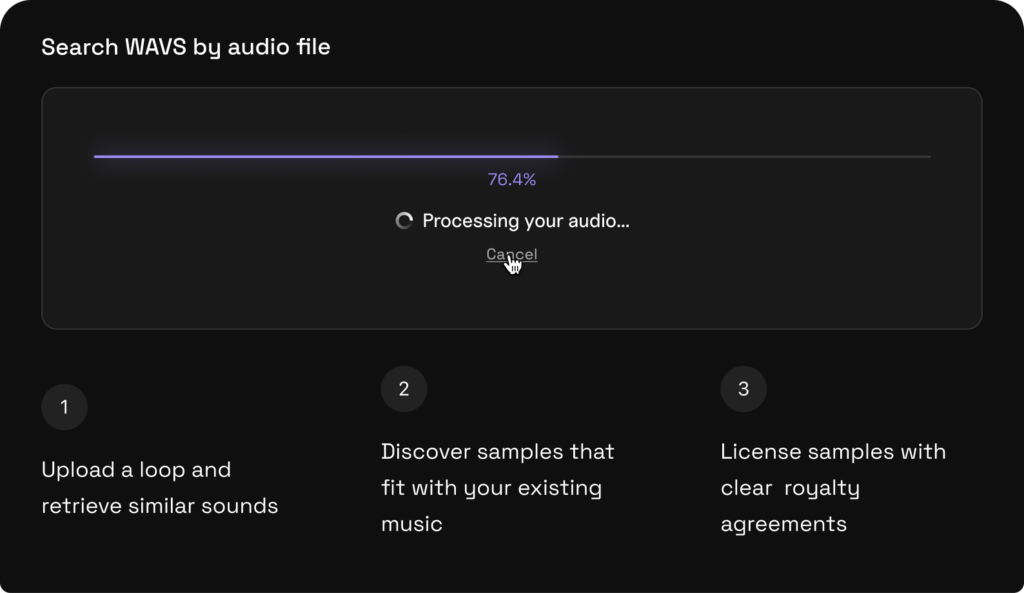
Access the WAVS AI sample finder here on our website or from the bottom left corner of the WAVS Standalone App. Here are some ways you can use it in your everyday workflows:
- Chasing a vibe. You’re trying to capture the feel of a reference track or a trending sound. Upload a clip and find loops in a similar style, all cleared for commercial use.
- Recovering a lost sample. Your project file got corrupted, but you’ve got an early bounce. Drop it into WAVS to track down the original sample you used.
- Quick variations when an artist wants options. You’ve got a beat the artist likes, but they want to hear some different directions. Drag that loop into WAVS and pull up a set of alternatives without breaking your flow. Swap in a couple new elements without starting from scratch
Try the WAVS AI sample finder now
The AI Sample Finder is available now for WAVS. Head over to wavs.com/similar-sounds to try it in the browser, or download the standalone app to use it inside your DAW. The desktop app is compatible with Logic Pro, Ableton Live, FL Studio, Pro Tools, Cubase, Reaper, and every other major DAW.
New to WAVS? Start a free trial and get some free download credits to experiment with.